Standby power is the electricity electronics use while they appear to be off, waiting for a remote signal, maintaining a network connection, or keeping a display ready. One device may draw very little, but a home full of televisions, speakers, chargers, printers, consoles, and small appliances can turn that background demand into a year-round expense.
The smartest response is not to unplug everything every night. It is to find the devices that can truly switch off, group them by routine, and preserve power only where convenience or safety requires it.
Start with the devices most likely to stay awake
Walk through the home after your normal evening shutdown. Look for indicator lights, warm power adapters, clocks, instant-on features, voice assistants, network-connected equipment, and chargers left in outlets. Entertainment centers and home offices are especially useful places to begin because several devices often share one area.
- Good candidates for full shutoff: game consoles, speakers, monitors, printers, guest-room televisions, and chargers that are not in use.
- Usually worth leaving on: refrigerators, security systems, internet equipment needed overnight, medical devices, and anything whose clock or programming is genuinely useful.
- Check first: devices that install updates, record programs, or need a graceful shutdown before losing power.
Measure before you buy or reorganize
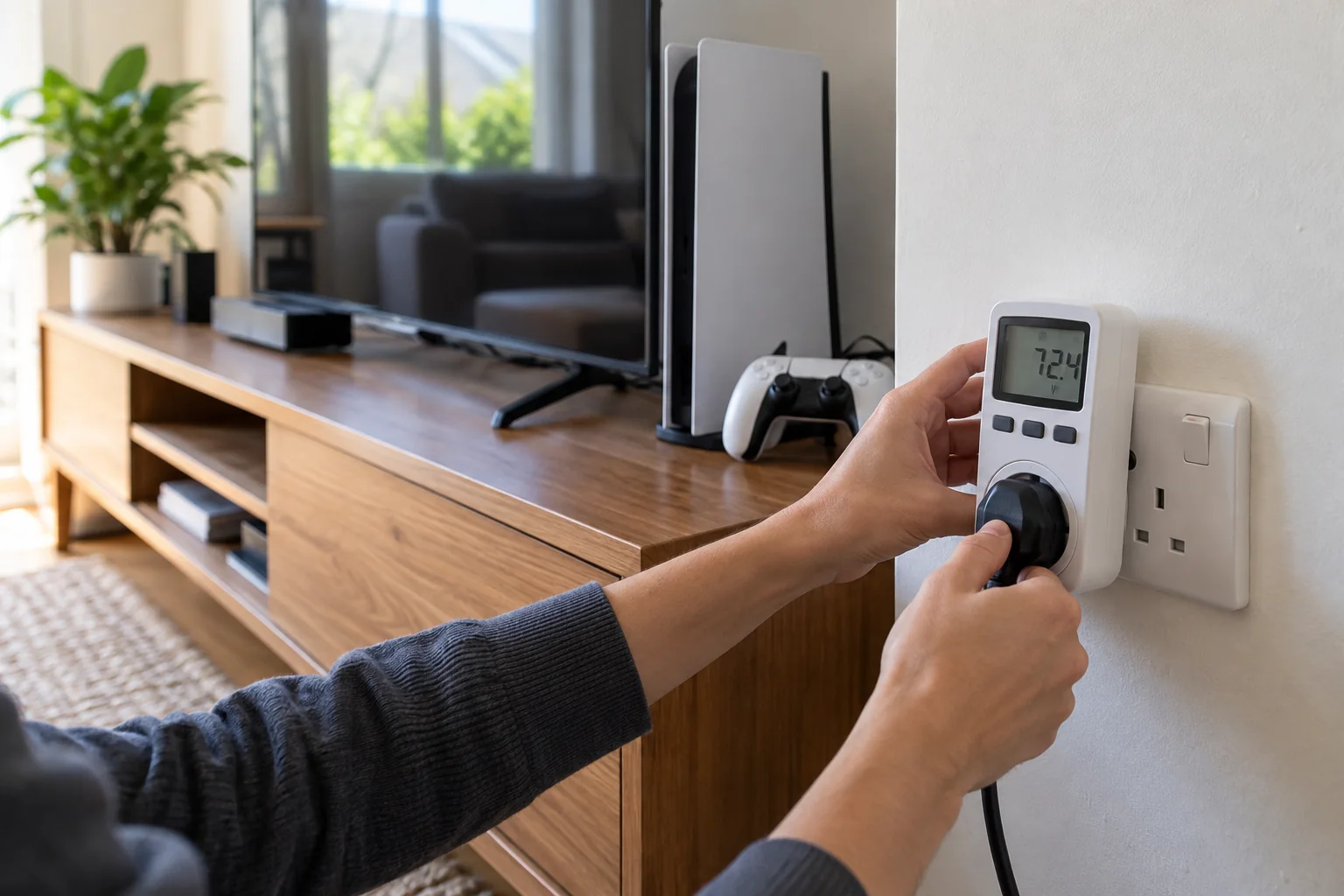
A plug-in electricity meter can reveal the difference between an active device, a true standby mode, and a device that is effectively off. Test one device at a time after it has completed its normal shutdown. If consumption fluctuates, observe it for several minutes instead of trusting the first number.
Measurement keeps the project practical. A rarely used device with a noticeable standby draw may deserve attention before a frequently used product with an efficient sleep mode. Record the wattage, how many hours the device waits each day, and whether cutting power would disrupt its function.
Group electronics by the way you use them
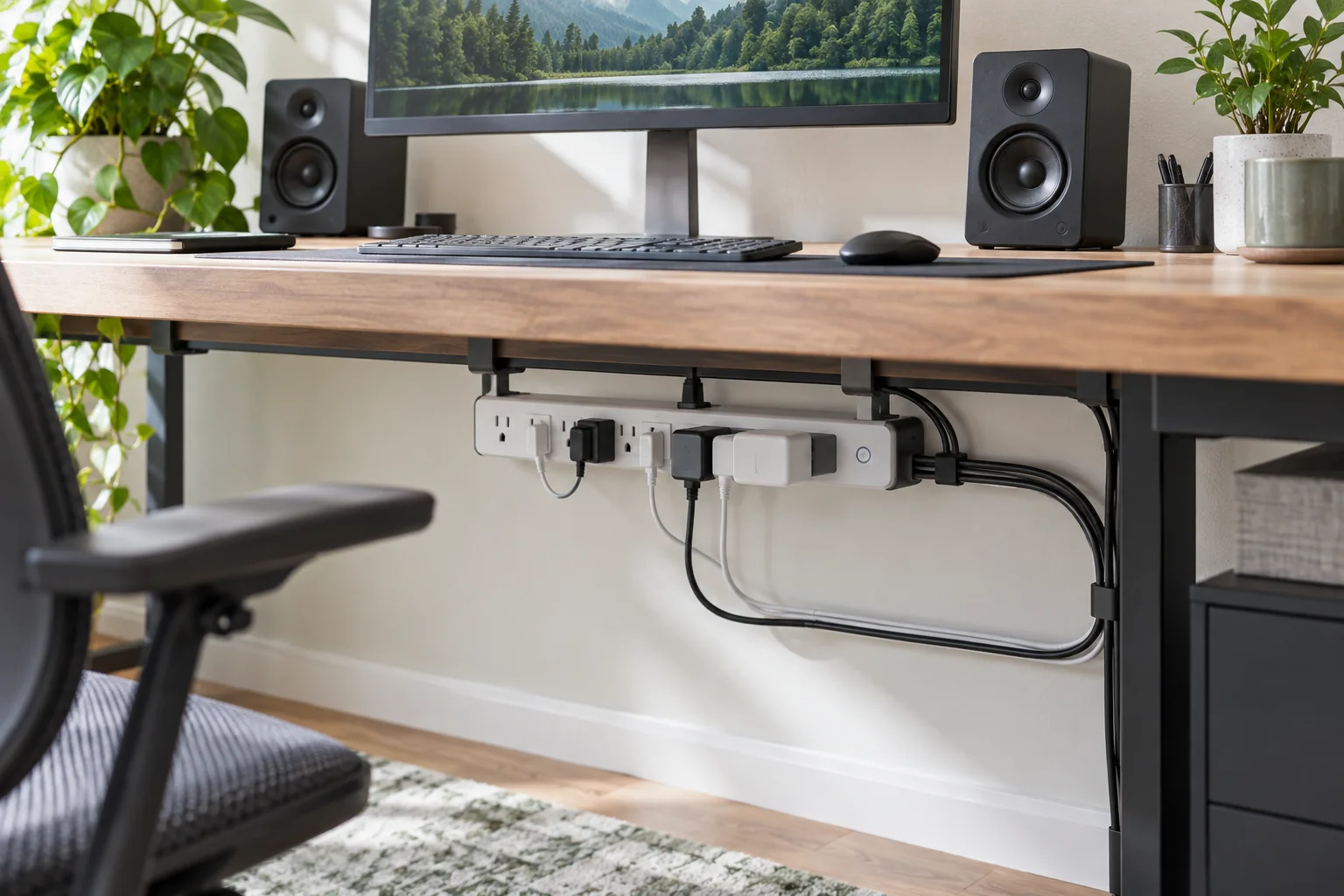
A power strip is most helpful when every switched outlet belongs to the same routine. In a media area, the television, console, streaming box, and speakers may shut down together. In a home office, a monitor, speakers, task light, and phone charger can share a strip while the router stays on a separate outlet.
Place the switch where it is easy to reach. A strip hidden behind heavy furniture will not become a habit. Choose a properly rated product with surge protection when the equipment calls for it, and never connect one power strip to another.
Protect convenience with a selective approach
Whole-room shutoff can create more frustration than savings. Keep truly essential equipment on its own outlet and switch only the accessories that do not need continuous power. Before cutting power to a computer, console, or storage device, use its normal shutdown process to prevent interrupted updates or data loss.
Smart plugs and advanced power strips can automate the same idea. A schedule may suit a printer or coffee station, while a master-controlled strip can turn off accessories when the main device shuts down. Automation should make the lower-energy choice easier, not add another app you will ignore.
Build one reliable shutdown routine
Attach the new habit to something you already do. Switch off the office strip when you close the laptop, disconnect the entertainment strip after the final program, and remove chargers when the battery is full. A small label near the switch can help everyone in the household understand what it controls.
Recheck the setup after a week. If a device keeps losing useful settings or someone repeatedly turns the strip back on, separate that device rather than abandoning the entire plan.
A 30-minute standby-power reset
- Choose one entertainment area or home office.
- List every connected device and identify what must remain powered.
- Measure uncertain devices with a plug-in meter.
- Group safe-to-switch equipment on one accessible, correctly rated strip.
- Test the shutdown and startup sequence.
- Review the arrangement after one week and adjust it.
The best energy-saving system is the one your household can repeat without thinking. Start with one cluster of electronics, verify that it works, and then copy the approach to the next room.
Related practical guides
Further reading
The U.S. Department of Energy explains how standby electricity is measured in its guide to measuring standby power.